First the light, then the colour
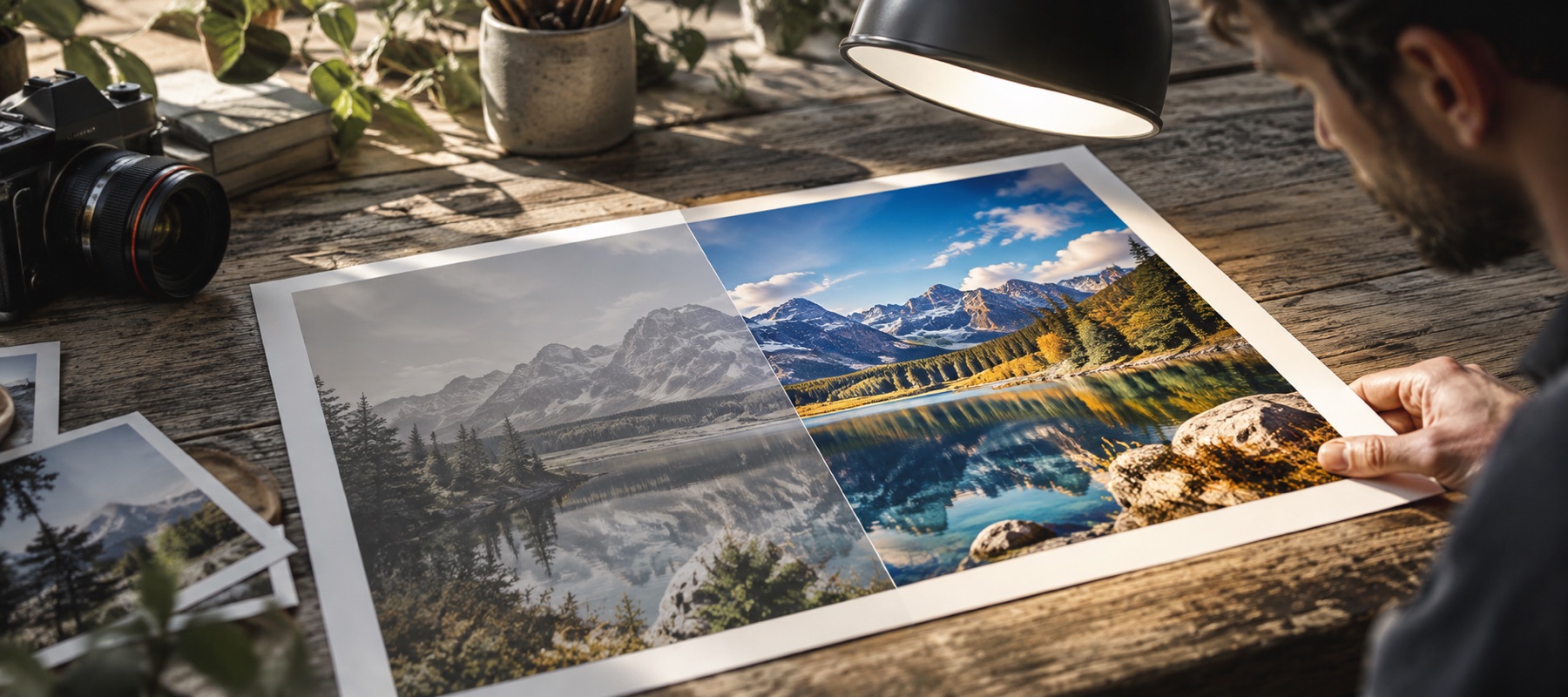
Most dull colour is not missing colour. It is a cast — the yellow of a tube light, the blue of shade, the green of a cheap LED — sitting over every colour in the frame and pulling them all towards one hue. Boosting saturation on top of a cast makes the cast stronger. So the pass removes the light's colour first, measured from the frame's average colour and from its brightest one per cent, and only then decides how much vibrance the picture needs.
| Reading | Measured on | Used for |
|---|---|---|
| Cast, as it arrived | the opened picture | how far off neutral the light was, in K |
| Cast, now | the corrected preview | what is left after the pass and your changes |
| Colour clipping | rendered pixels, 8–247 luminance | a warning above 0.5% new clipping |
The neutral point picker
Sometimes the estimate is fooled: a room painted orange, a sunset, a field of grass. Then the quickest honest fix is to tell it what should be grey. Press Pick a neutral point and click a wall, a white shirt, a sheet of paper or a grey card. A five-by-five patch around the click is read in linear light and the warmth and tint are set so that patch comes out neutral. The receipt records where you clicked; Auto enhance puts the measured warmth back.
Vibrance that protects skin
Vibrance already weights its boost towards the dullest colours: an already-vivid pixel barely moves. Colour guard adds two rules. Colours inside the skin-tone range — measured from their chroma, not from any face detection — move a fifth as much as everything else. And each boost is capped at the point where the first colour channel would reach its limit, so a red jumper keeps its weave instead of turning into a flat red shape.
Limits
- The skin guard is a colour range, not a face detector: an orange wall or a wooden table is treated like skin.
- No colourisation: a black-and-white photo stays black and white.
- Colours outside sRGB in a wide-gamut original (Display P3, Adobe RGB) are saved as sRGB; the export panel says so when it applies.
Questions people ask
Why does my colour boost turn faces orange?
What does the neutral point picker do?
What is the cast meter measuring?
What is colour clipping?
Is my photo uploaded?
Related
- Take the yellow outOpens on Warmth, for tube light, warm LEDs and everything else that turns a room amber.
- Old photo enhancerFade recovered per colour layer, yellowing removed, dust specks counted and cleaned, greyscale kept for monochrome prints.
- Improve image qualityA quality report first: grain, JPEG quality, blocking, edge energy, clipping and resolution, each with its fix.
- Indoor light and the colours it inventsTube light, warm LEDs, mixed sources, and when a cast is the subject rather than a fault.