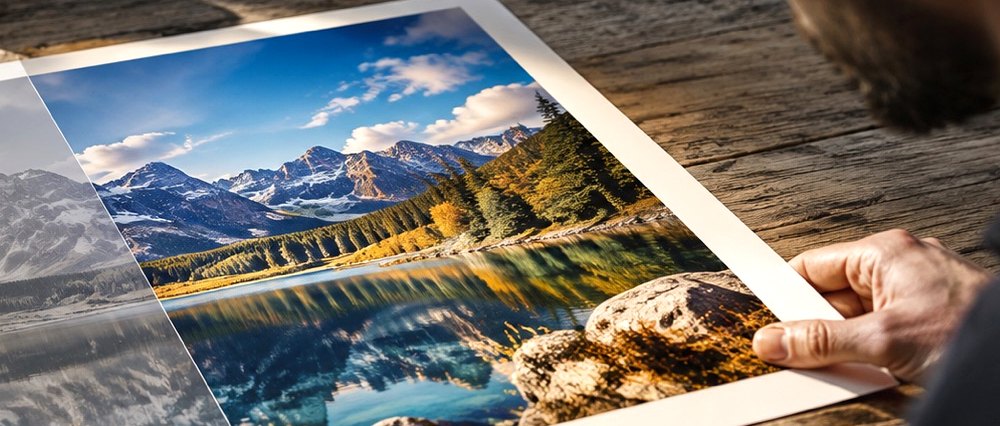

Photographic visual for Jpeg Quality And Blocking
Jpeg Quality And Blocking

JPEG quality and the 8×8 blocks

Every JPEG carries, in its header, the rounding tables its encoder used. Those tables are the quality setting, written down — which is how a page can tell you a file's quality without guessing.

How JPEG throws information away

A JPEG encoder cuts the picture into 8×8 squares, describes each square as a sum of 64 patterns from smooth to fine, and then rounds each pattern's strength to a multiple of a step from its quantisation table. Fine patterns get large steps, because the eye misses them; smooth ones get small steps. The quality setting scales the whole table: at high quality the steps are small and the rounding is invisible, at low quality they are large and whole squares collapse to a flat colour.

Those collapsed squares are the blocks. They show most in smooth areas — sky, skin, walls — where the true picture changes gently and the rounded one changes in steps at every eighth pixel.

Reading the quality back

The standard encoders scale one reference table (Annex K of the JPEG standard) by a formula of the quality. So the table stored in a file can be compared with the reference scaled at every quality from 1 to 100, and the closest match is the quality that file was saved at. Files from encoders with their own tables match less well, and the estimate is then reported as approximate.

What a quality reading usually means
q≈What you see at 100 %Worth deblocking?
90 and abovenothingno
75–89faint squares in smooth gradientsrarely
60–74visible squares in sky and skinyes
below 60obvious blocks, colour smears, ringing beside edgesyes, and expect a limit

What deblocking does

A deblocker smooths across the 8×8 boundaries, but only where the step across a boundary is small enough to have been caused by rounding. The quality estimate gives the rounding step, so the filter knows how large a jump compression could produce; anything larger is a real edge and is left alone. A second stage, de-ringing, smooths the faint ripples that appear beside strong edges in heavily compressed files.

What it cannot do

Deblocking removes the grid, not the loss. The detail that was rounded away inside each square is gone, and no classical filter brings it back. Saving the cleaned picture as a JPEG again adds a little new loss of its own; at quality 92 that is far below what a q≈60 file already carries, but it is not zero.

  • Re-saving at a low quality makes a file worse every time; there is no setting that undoes earlier compression.
  • A picture resized after it was compressed has its grid blurred or shifted; the deblocker aligns to a shifted grid, but a resampled one cannot be cleaned on the grid at all.

Take it back to the picture

Corrected on your own machine — we never get a copy.