Fade is per layer
| Channel | Measured | Becomes |
|---|---|---|
| Red | 0.5th to 99.5th percentile | stretched to 0–255 |
| Green | 0.5th to 99.5th percentile | stretched to 0–255 |
| Blue | 0.5th to 99.5th percentile | stretched to 0–255 |
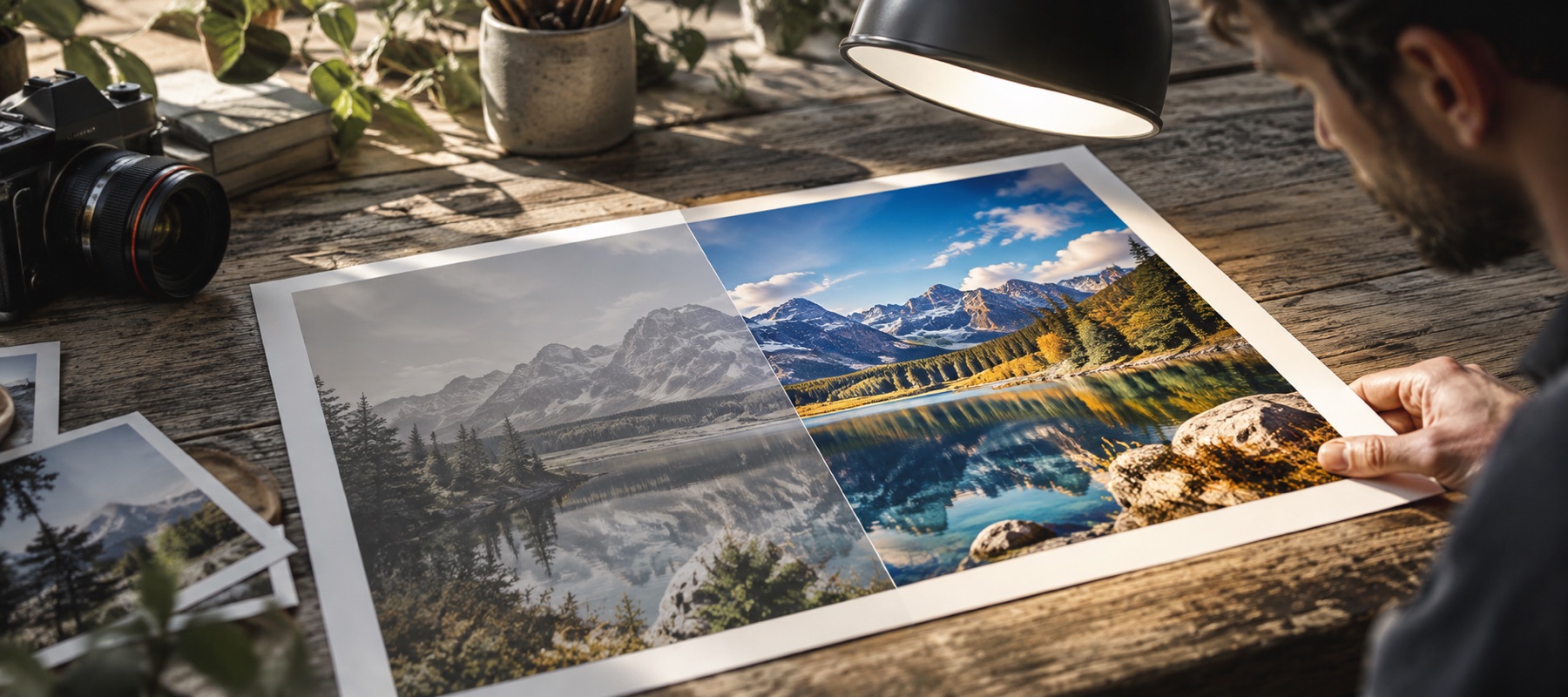
A colour print is three dye layers, and they fade at different rates — cyan and yellow dyes usually go first, leaving a warm, washed-out picture. A single brightness levels pass cannot fix that, because it moves all three together. The fade stage finds each channel's own range and stretches it, and the panel prints the ranges it found.
Then the measured pass
After fade recovery the picture is measured again from scratch, so exposure, warmth and contrast are decided on the recovered print rather than the faded one. That matters: measuring the faded picture would stretch a range that has already been stretched. Every decision is a chip you can mute, and Fade recovery has its own amount if 100 per cent is too much.
For printing
Old prints are small, and a scan of a postcard-size print may already have more pixels than a reprint needs. If it does not, the Size panel offers 2× by Lanczos3 with the factor printed. Dust specks are not removed automatically yet; that is planned, and will be labelled with a count when it ships.
Limits
- No repair of tears, creases or missing pieces; no colourisation; no face restoration.
- Dust and scratch removal is not in this release.
- Uneven light from photographing a print under a lamp is not fade and is not removed by this stage.
Questions people ask
- Can it restore a damaged photo?
- It restores fade and colour cast, which is what time does to most prints. It does not repair tears, creases, missing corners or scratches, and it does not restore faces or colourise black-and-white pictures — those need someone to decide what was there, and this page will not guess.
- Why does the yellow go away?
- Because the yellow is mostly one layer having faded more than the others. Stretching each colour channel to its own range puts the three back in step, and the cast goes with it. Anything left over is measured and removed by the white-balance stage that runs afterwards.
- My print is black and white. Will it add colour?
- No. If the picture is near-monochrome, the colour stages stay off and Save as greyscale writes it without a tint. Colourisation is not something this site does.
- Should I scan or photograph the print?
- A flatbed scan is better: even light, no glare, no keystone. If you photograph it, do it in daylight from straight above with the flash off, and fill the frame. Uneven light across a photographed print is not fade, and fade recovery cannot remove it.
- Is it uploaded?
- No. The print never leaves your device; everything runs in this tab.
Related
- Improve image qualityA quality report first: grain, JPEG quality, blocking, edge energy, clipping and resolution, each with its fix.
- Take the yellow outOpens on Warmth, for tube light, warm LEDs and everything else that turns a room amber.
- HD photo enhancerHD, Full HD or 4K long edge, classical or local model, with the exact factor printed.
- Denoise photoGrain measured first, colour noise removed, luminance grain reduced to taste, fine detail kept.