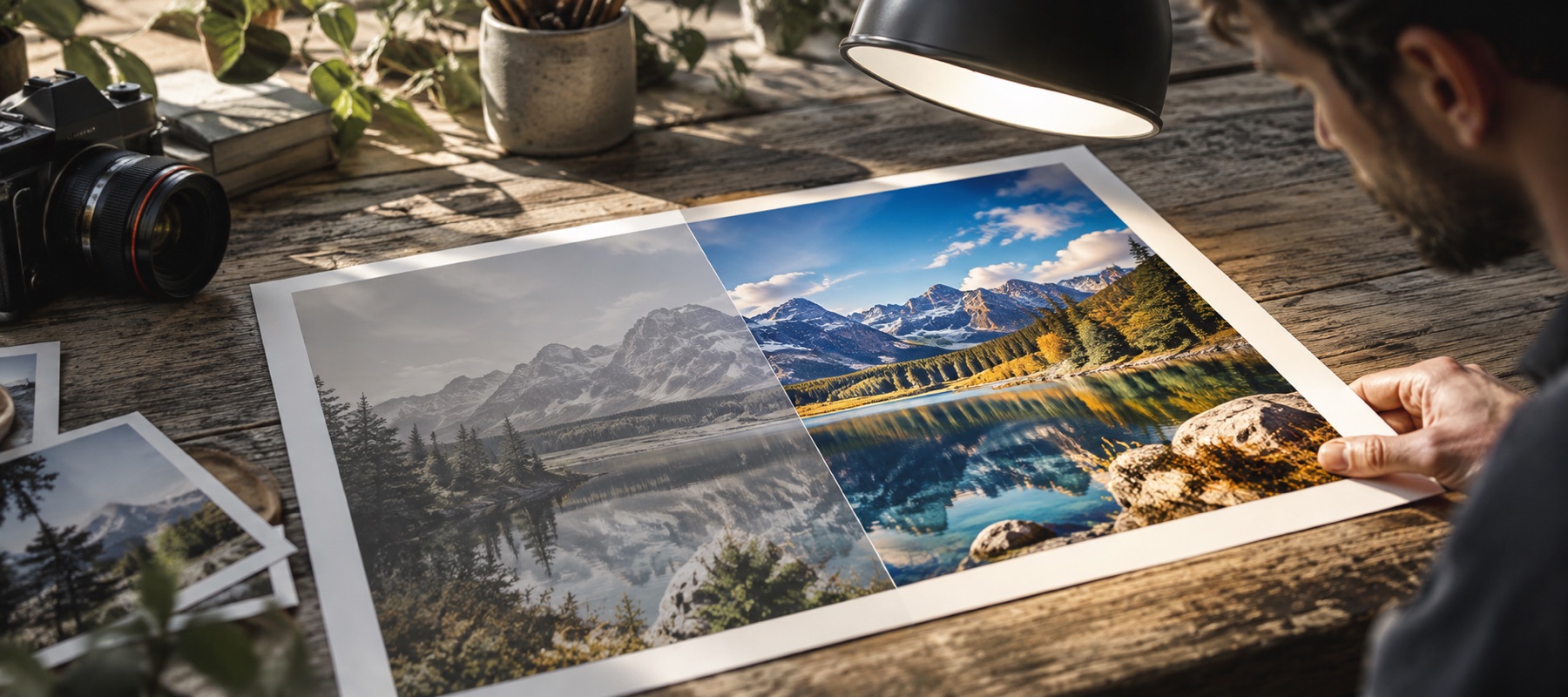
Measure, then smooth
Grain is a property of the file, not a matter of taste, so the page starts by measuring it. Two numbers come out: σ on brightness, which is the fine, sandy texture, and σ on the colour-difference channels, which is the blotchy colour noise of dark phone pictures. The two sliders are seeded from them — stronger where the measurement is higher — and you move them from there.
How the filter decides what is grain
| Stage | Filter | Strength from |
|---|---|---|
| Colour noise | guided filter on Cb/Cr, guided by brightness | the Colour noise slider and radius |
| Grain | self-guided filter on brightness | σ × the Grain slider |
| Keep fine detail | differences above 3σ are restored | the measured σ |
A guided filter smooths flat areas and leaves edges because its strength falls wherever the local variance is large compared with the noise. That is what lets it be steered by σ: the noise it expects is the noise that was measured.
Noise-safe and denoise are different
Every page has a Noise-safe switch: it stops sharpening and clarity from amplifying detail smaller than the grain. It protects, it does not remove. Denoise removes. Use both on a grainy photo you also want crisper: denoise first, then sharpen with Noise-safe on.
Limits
- A denoiser trades grain for smoothness. Fine texture similar in size to the grain — hair, distant leaves — softens with it.
- Very dark, very noisy frames have little signal left under the grain; a clean result there looks smooth, not detailed.
Questions people ask
- What does σ mean?
- It is the standard deviation of the noise in code values out of 255, measured with an operator that cancels smooth gradients and edges and leaves mostly grain. Below about 2 the grain is invisible at normal viewing; above 6 it is plain at 100 per cent. The panel prints it before and after.
- Will it remove all the noise?
- No denoiser does that without destroying detail. This one trades grain for smoothness at a strength you set, and Keep fine detail stops it at real texture. Look at skin, foliage and fabric in the loupe; if they start to look waxy, lower Grain.
- Why remove colour noise first?
- Colour noise — red and green blotches in dark areas — is the ugliest kind and the safest to remove, because our eyes resolve far less detail in colour than in brightness. It can be smoothed hard with almost no visible loss.
- Is this AI denoising?
- No. It is a classical guided filter steered by the measured grain. No model is downloaded and nothing invents texture. A denoise model is not offered on this site until one is licensed, small enough and measured to do better.
- Does it run before or after brightening?
- Before. Lifting shadows makes the grain in them more visible, so the noise is reduced on the picture as it arrived and the tone curve runs on the cleaned result. The receipt prints that order.
Related
- Shot in a dim roomOpens on the low-light starting point: shadows well open, contrast held back.
- Image clarity enhancerClarity, sharpening and grain checked at 1:1 in a loupe on the busiest patch before you save.
- Improve image qualityA quality report first: grain, JPEG quality, blocking, edge energy, clipping and resolution, each with its fix.
- Noise, and why dark photos show itWhere grain comes from, why lifting shadows reveals it, and what a denoiser trades away.