EnhancePic

Fix overexposed photoDarken a photo that came out too bright

Pull a too-bright photo back so skies, walls and faces show their detail again.

Choose photoor drop it here — pasting works too

A washed-out, too-bright photo: a sky gone white, a face lit by flash, a beach in midday sun. JPG, PNG, WebP, AVIF, BMP and HEIC open here.

FreeNo sign-upPhotos stay on your device

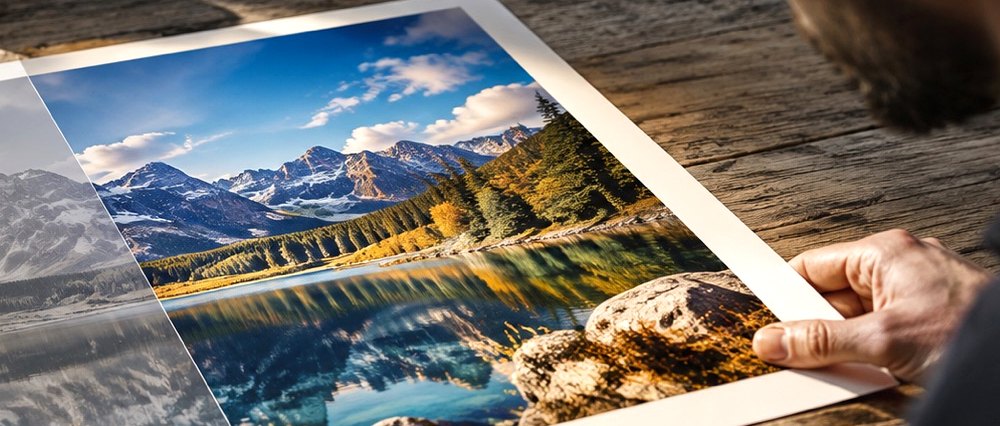
An overexposed photo of a lake print on a desk, with its highlights pulled back
What it checks first

The pass lowers exposure only as far as the median tone needs, the Too bright preset pulls the top of the tone range back where detail remains, and the Highlights meter shows what was already clipped to pure white and cannot come back.

What the highlights check reads

Share on pure white
What the camera clipped — shown as gone
Share between 235 and 254
Bright tones that still hold detail
Median luminance
How far exposure comes down, in stops
0.1st / 99.5th percentile
Black and white points
Average colour vs brightest 1%
White balance, measured on what is left
Pure white after
That the clipped area did not grow

A worked example

A kitchen under warm LEDs: the median tone comes in under the band a well-exposed frame lands in, so an exposure is printed in stops; the frame’s average colour and its brightest one per cent agree closely, so the illuminant they describe is removed in full and printed in kelvin. Both lines open to show the figure they came from.

This page opens on the Light panel with the Too bright preset and the Highlights meter.

Drop a dull photo here and we'll take a first pass at it. A washed-out, too-bright photo: a sky gone white, a face lit by flash, a beach in midday sun. JPG, PNG, WebP, AVIF, BMP and HEIC open here.

Two kinds of too bright

An overexposed photo has two parts, and they need different answers. Most of it is just brighter than it should be: the detail is all there, sitting too high in the tone range, and it can be brought down. Some of it may be pure white — the camera's sensor filled up and recorded the maximum — and there the detail is not in the file at all.

What the Highlights meter prints
ReadingRangeWhat it means
Pure white as it arrivedlevel 255clipped by the camera — gone
Bright, still holding detaillevels 235–254where the pull-back helps most
Pure white nowlevel 255, aftershould not be larger than before

What the pass does

Exposure comes down from the measured median, as a gain in stops, so the middle of the picture lands where a well-exposed frame does. The Too bright preset then pulls the upper half of the tone curve down by a half-sine — strongest in the bright tones, nothing at pure white and nothing at black — so washed-out skies and faces get their shape back without the shadows sinking. Every step is a chip in What changed, and each one can be switched off.

Limits

  • We can't rebuild a blown highlight. Where the sensor clipped to pure white there's no detail left in the file, and no amount of correction invents it — what we can do is stop the rest of the photo from suffering for it.
  • Very bright JPEGs often have blocky banding in the sky; Clean-up can soften the blocks, it cannot add tones that were never saved.

Questions people ask

Can an overexposed photo be fixed?
Partly, and the panel tells you how much. Tones that are bright but not pure white still hold detail, and those can be pulled back. Pixels that are already pure white in the file hold nothing — the meter shows that share as gone, and no tool can bring it back without inventing what was there.
Why not just lower the brightness?
Lowering brightness darkens everything, including faces and shadows that were fine. The pass lowers exposure only as far as the median tone needs, and the Highlights control pulls down the top of the tone range alone, so a washed-out sky gets its colour back without the rest of the picture going grey.
What do the three numbers in the Highlights meter mean?
Pure white as it arrived is what the camera clipped — gone. Bright, still holding detail is the share of the picture between levels 235 and 254, where pulling back helps most. Pure white now is measured on the corrected preview, so you can see the clipped area did not grow.
Will pure white turn grey?
No. A clipped sky stays white rather than becoming a flat grey patch, because grey there would be a colour the scene never had. The pull-back works on the tones below it.
Is the photo uploaded?
No. It stays on your device; the correction runs in this tab.

Related

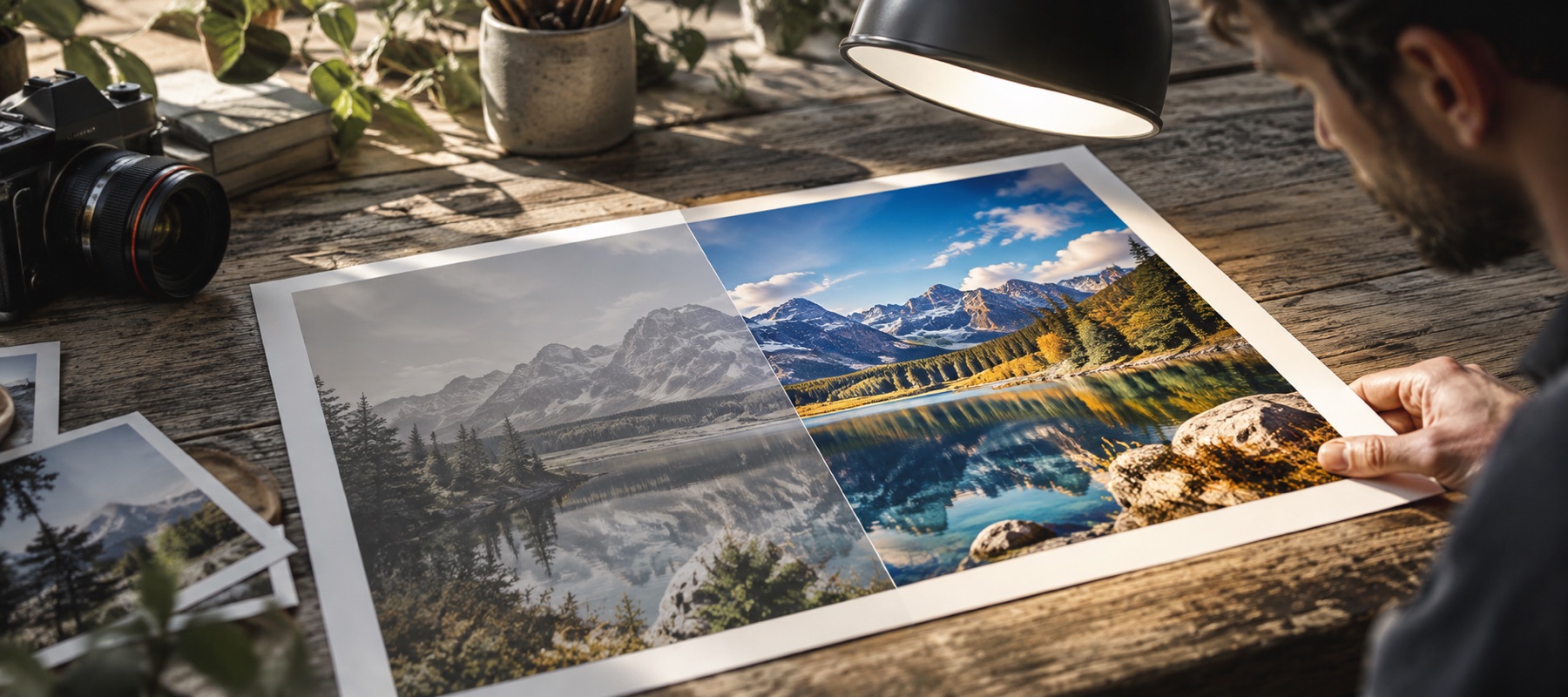
Photographic visual for Fix Overexposed Photo

Fix Overexposed Photo