About EnhancePic
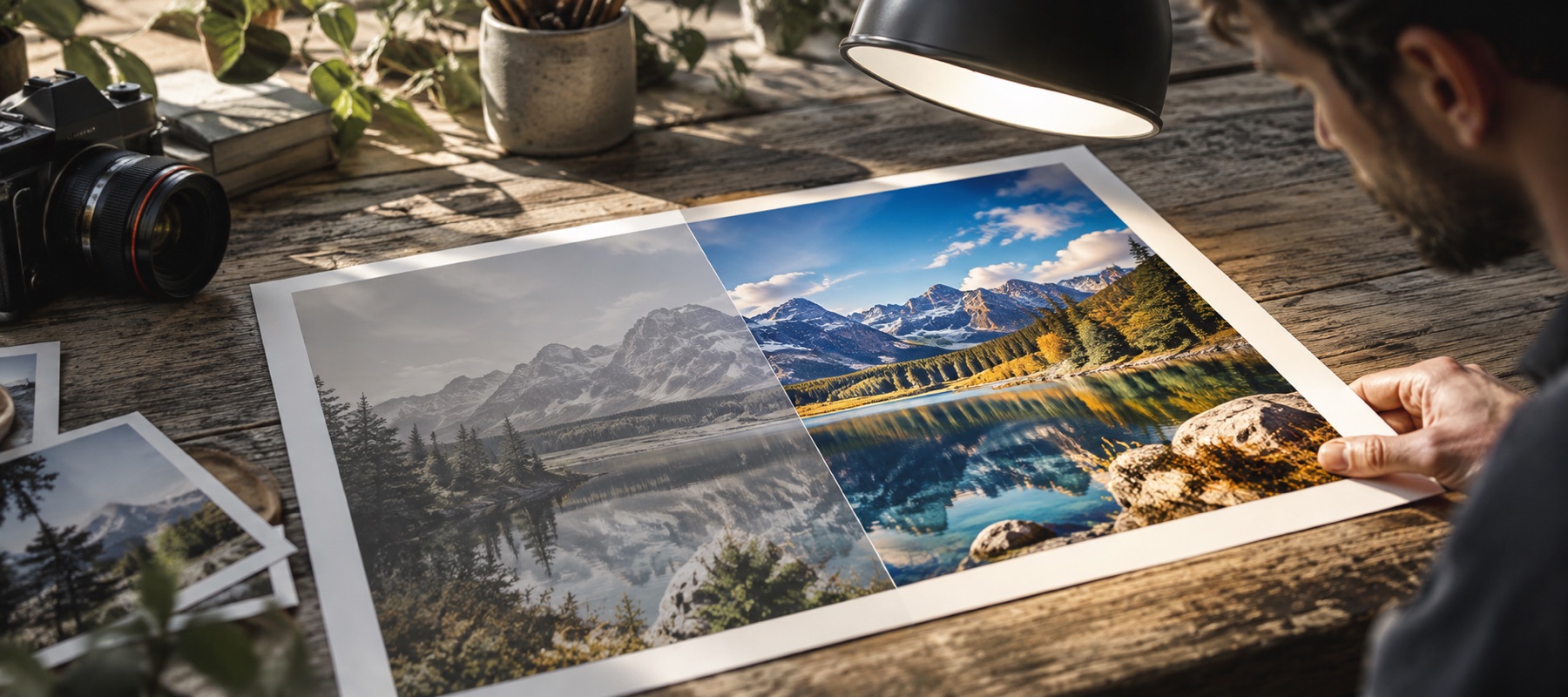
This site does one operation: it measures a photograph and corrects the whole frame at once. That is the entire scope, and everything about the way it is built follows from keeping it that narrow.
Why the numbers are on screen
Most automatic correction is a button that says “enhanced” afterwards. That is a claim nobody can check, and it trains people either to trust it blindly or to stop using it. The panel here prints the exposure change in stops, the white balance change in kelvin, the range it found and the range it claimed, and the amount of every other stage — because the same pass that decided those figures can be told it was wrong about any of them, and you cannot argue with a number you have not been shown.
It also means the tool can say nothing happened. A photograph that is already well exposed, already neutral and already using its full range comes back with a line saying so, rather than a quarter of a stop invented so the interface has something to report.
What it refuses to do
There are no brushes, no masks and no selections here, and there will not be. A global pass is a different kind of instrument from a local one: it reasons about the statistics of the whole frame, and every one of its decisions is only defensible because it applies everywhere. Adding a brush would not extend this tool, it would replace it with a worse version of a different one.
The clarity control stops at forty for the same reason. Beyond that, local contrast becomes edge sharpening, which needs a radius, a threshold and a preview at full magnification to use responsibly — an instrument this page is not. Faces, blemishes, scratches, tears and removing things from a photograph are all outside the line as well. Each of those is a real job and none of them is this one.
How it is put together
Everything happens inside the browser tab. The page is a static export with no server behind it and no route that could accept a file even if one were offered — the correction is a few hundred lines of arithmetic over pixel buffers, running in a background thread so that dragging a control does not freeze the page. Preview and export run the identical code at two different sizes, which is the only way to promise that the file you save is the one you approved.
We would rather ship one studio that explains every number it prints than a wall of buttons that each say “enhanced” and explain nothing. Every task page on this site opens the same studio in a different starting state, so nothing learned on one of them is wasted on another.
Engine version and model files
The measured pass is at pass v1.0. Every drawn test image in the engine’s fixture set has its expected measurements recorded against that version to four decimal places, and the build fails if any of them drifts — so the same file gives the same numbers, and a change to a constant is a new version rather than a quiet shift. The pass is arithmetic over a histogram; it is not AI and is never labelled as such.
The optional local models on the AI photo enhancer are listed below exactly as served. They download from our model file server only after you press the button that names their size, are checked against these fingerprints before they run, and execute in your tab with onnxruntime-web 1.29.0 (MIT), served from this site.
| Model | Version | Licence | Size | SHA-256 |
|---|---|---|---|---|
| 2× detail (Real-ESRGAN) | realesr-general-x4v3, re-exported fp32 | BSD-3-Clause | 4.87 MB | ef6418714b70…a79e |
| Fast 3× enlarge (ESPCN) | onnx/models super-resolution-10 (opset 10) | Apache-2.0 | 0.24 MB | 85f36ff88cc5…035e |
What we are still unsure about
Two things, stated plainly because they are genuinely open. The first is where the clarity cap belongs: forty is a judgement that sounds right and has not been tested against a fixed set of photographs, and it may well need to change with image size. The second is whether backing off automatically on night photographs is a good idea at all — it is excellent when the detection is correct and irritating when it is not, and the simpler alternative of running the full pass and leaving Strength to you may turn out to be better.
Under both of those sits a plainer thing worth telling you. Every threshold in the automatic pass — the window where brightness is left alone, how much two disagreeing colour estimates are trusted, the ceiling on how far one channel may be pushed — was settled against test images drawn in code, not against photographs. There were none where this was written, and no browser to look at one in. The engine is held in place by a suite of assertions over those drawn images, and they check direction, bounds, repeatability and that a well-exposed frame is left alone; none of them can tell you whether the result looks right on a picture of your kitchen.
That is a statement about the evidence, not a warning about the arithmetic — the measurements are the ordinary ones and the stages do what they say. But the constants in front of them are a first estimate rather than a tested one, which is the real reason every figure is printed on screen and every control is left open. If a number is wrong for your photograph you will be able to see that it is wrong, and moving it is not a workaround.