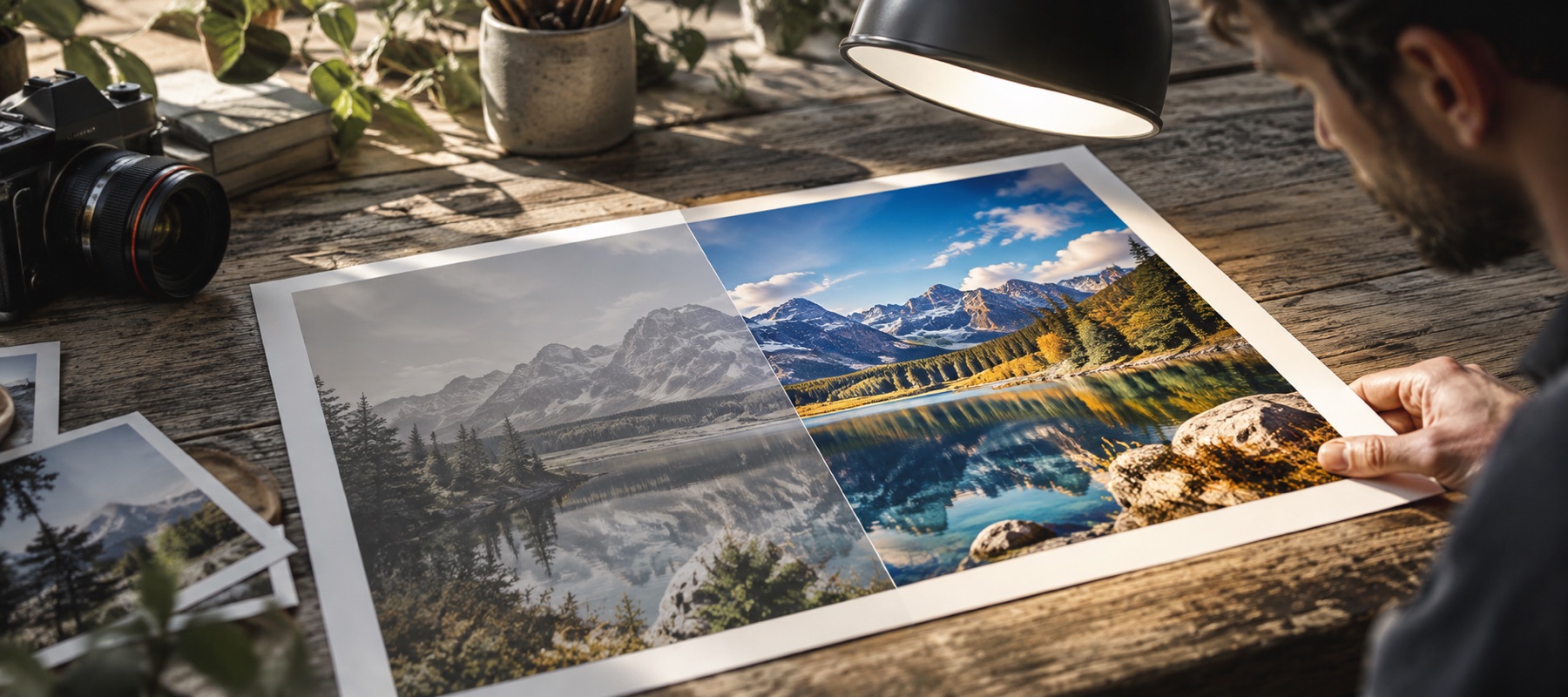
Light first, then the limits
Most form photos are taken indoors on a phone: a little dark, a little yellow, a little soft. A portal's resizer will happily squeeze that into 50 KB, and the result looks worse than it needed to. This page fixes the light and the colour first with a deliberately conservative preset — neutral balance, no clarity, no colour boost, light sharpening — so the face looks like the person, then fits the file.
Sourced presets
| Preset | Pixels | KB | Notes |
|---|---|---|---|
| Indian e-Visa photo | 350–1,000, square | 10–300 | JPEG only |
| IPPB photograph | 200 × 230 | 20–50 | 200 DPI |
| IPPB signature | 140 × 60 | 10–20 | black ink on white |
| IPPB left thumb | 240 × 240 | 20–50 | 200 DPI |
| IPPB declaration | 800 × 400 | 50–100 | 200 DPI |
| SSC CHSLE photograph | about 3.5 × 4.5 cm | 20–50 | 2022 notice — confirm |
| SSC CHSLE signature | about 4.0 × 2.0 cm | 10–20 | 2022 notice — confirm |
| US DV photo | 600 × 600 | up to 240 | square |
A preset more than a year old shows its last-checked date in amber. None of them is an approval by the authority; they are the authority's published numbers, copied with the date.
The solve
When a preset fixes the aspect, a frame appears on the picture and you move it before anything is cut. Then the file is encoded at quality 92 and its bytes measured. Too large: quality steps down to 70, then the pixels step down within the minimum. Too small: quality steps up to 97, then the pixels step up within the maximum. Every step is measured on the real file, and the checklist reports pixels, KB, format, aspect and density in words.
Limits
- No portal's acceptance is promised; face, background and liveness checks are the portal's.
- Passport Seva, PAN and Aadhaar have no sourced preset; use Custom with your form's own numbers.
Questions people ask
- Will the portal accept it?
- This page checks what it can measure — pixels, file size, format, aspect and density — against the numbers in the portal's own document, and reports each in words. Whether a portal accepts a photo also depends on its own checks on the face, background and freshness of the photo, and those are the portal's decision.
- Where do the numbers come from?
- Each preset names its document and the date it was checked: the Government of India e-Visa image specification, the India Post Payments Bank recruitment notification, a Staff Selection Commission CHSLE notice, and the U.S. Department of State DV photo page. The SSC numbers come from a 2022 regional notice and are marked to confirm on the official portal.
- My form is not in the list. What now?
- Choose Custom and type the numbers your form gives — minimum and maximum width and height, KB range, aspect, DPI — and keep it in this browser under a name. Passport Seva, PAN and Aadhaar are not presets because no primary specification could be verified.
- Do you add data to reach the minimum size?
- No. The file reaches a minimum by raising the JPEG quality and then the pixels, and only within what the preset allows. If it still cannot reach the band, the page says so and shows the closest result with its exact bytes.
- Is 1 KB 1,000 or 1,024 bytes?
- Portals differ and rarely say. The panel shows the exact bytes and lets you switch; the 1,024 setting is the safer side of a maximum, 1,000 the safer side of a minimum.
Related
- Increase image size in KBQuality first, then pixels, until the file clears the minimum. Never padded.
- Text image enhancerPaper flattened to white, ink darkened, optional clean black and white — screenshots too.
- Take the yellow outOpens on Warmth, for tube light, warm LEDs and everything else that turns a room amber.
- Form photo specifications in IndiaThe pixel and KB limits on the portals we could source, with the documents and dates.